HDD/SSD Enclosure Guide: Turn a Bare Drive into an External Drive
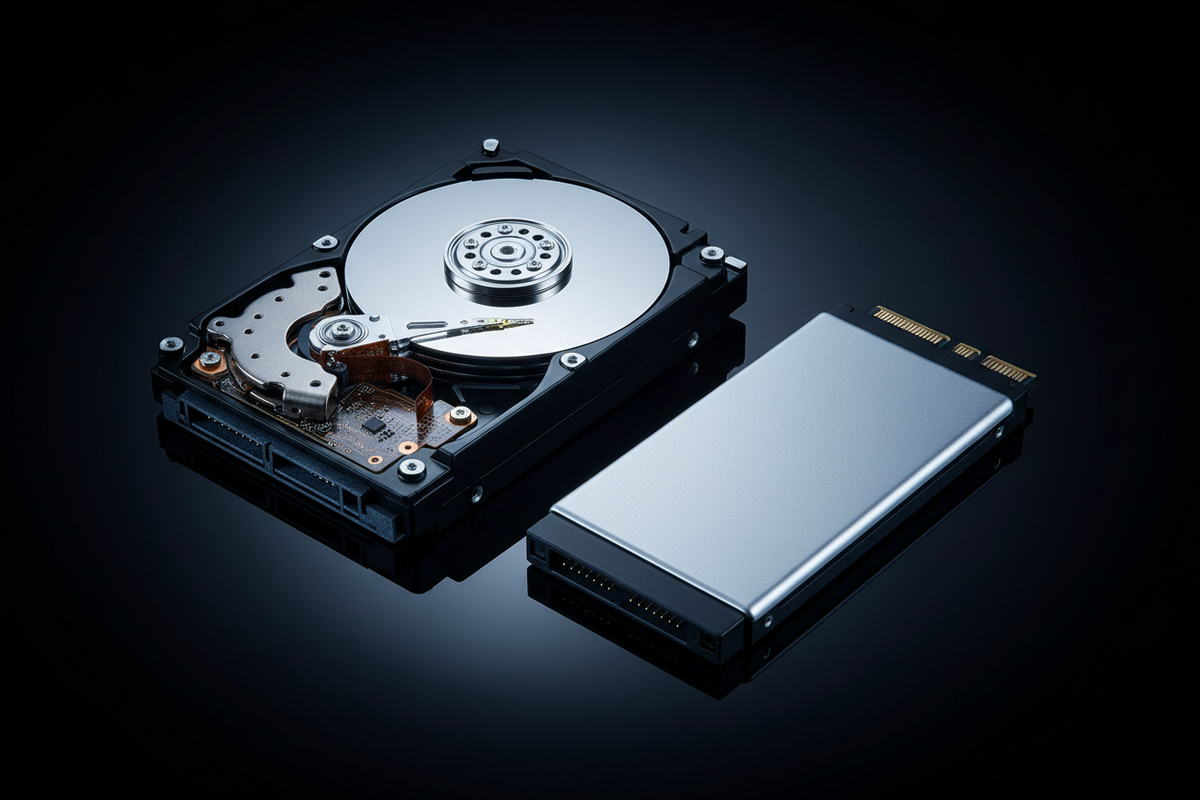
Have a spare hard drive or SSD sitting around? Meit Shop stocks enclosures and docking stations to turn any bare drive into a portable external drive. Here's a real, price-grounded guide.
What to Look for
- Drive size: 2.5" enclosures fit laptop-style drives and SSDs; 3.5" enclosures fit larger desktop-style hard drives and need external power.
- Connection type: Look for USB 3.0 for fast transfer speeds; M.2 NVMe enclosures need a specifically NVMe-compatible case, not a standard SATA one.
- Case material: Metal-bodied cases offer better heat dissipation and durability than plastic for drives under heavy use.
Best Budget 2.5" Enclosures (Under Rs. 700)
- HDD 2.5" Case, USB 2.0 — Rs. 400
- New HDD 2.5" Case, USB 2.0 — Rs. 339
- Speedx HDD Crystal Case, 2.5", USB 3.0 — Rs. 537
- Seagate 2.5" External Case, USB 3.0 — Rs. 646
- Speed-X HDD 2.5" Case, Metal Body, USB 2.0 — Rs. 780
- WD 2.5" Case Element, USB 3.0 — Rs. 1,190
Best 3.5" Enclosures for Desktop Drives
- HDD 3.5" Metal Body Case, USB 2.0 — Rs. 1,478
- HDD 3.5" Metal Body Case, USB 3.0 — Rs. 1,752
Best M.2 SSD Enclosures
- M.2 SSD Enclosure, USB 3.1 Gen 2 (10 Gbps) — Rs. 1,287
- Orico HDD Case, 2.5", USB 3.0 — Rs. 1,150
- Orico M.2 NVMe SSD Enclosure — Rs. 2,847
- USB 3.2 Portable M.2 NVMe Enclosure, Gen 2 — Rs. 3,270
Best Docking Stations
- HDD SATA Docking Station, USB 3.0 — Rs. 3,778
- Orico 2.5/3.5" HDD & SSD Docking Station — Rs. 6,022
Other Drive Accessories
For adding a second drive to a laptop or connecting a bare drive directly:
- Universal SATA 3.0 2nd HDD Caddy, 9.5mm, for Laptop — Rs. 520
- Speed-X 2-in-1 USB & Type-C to SATA 3.0 Cable — Rs. 1,140
FAQs
Can I put any hard drive into any enclosure?
Only if the drive interface matches — standard SATA drives need a SATA enclosure; M.2 NVMe drives need an NVMe-specific enclosure. They are not interchangeable.
Will an external enclosure work as fast as an internal drive?
With USB 3.0 and a compatible drive, speeds are close to internal SATA performance for most everyday use, though top-end NVMe speeds require USB 3.1 Gen 2 or better.
Browse the full range in our HDD Case collection.
 Chat with Us
