
HDMI WiFi Dongle Guide: Cast Your Phone to Any TV
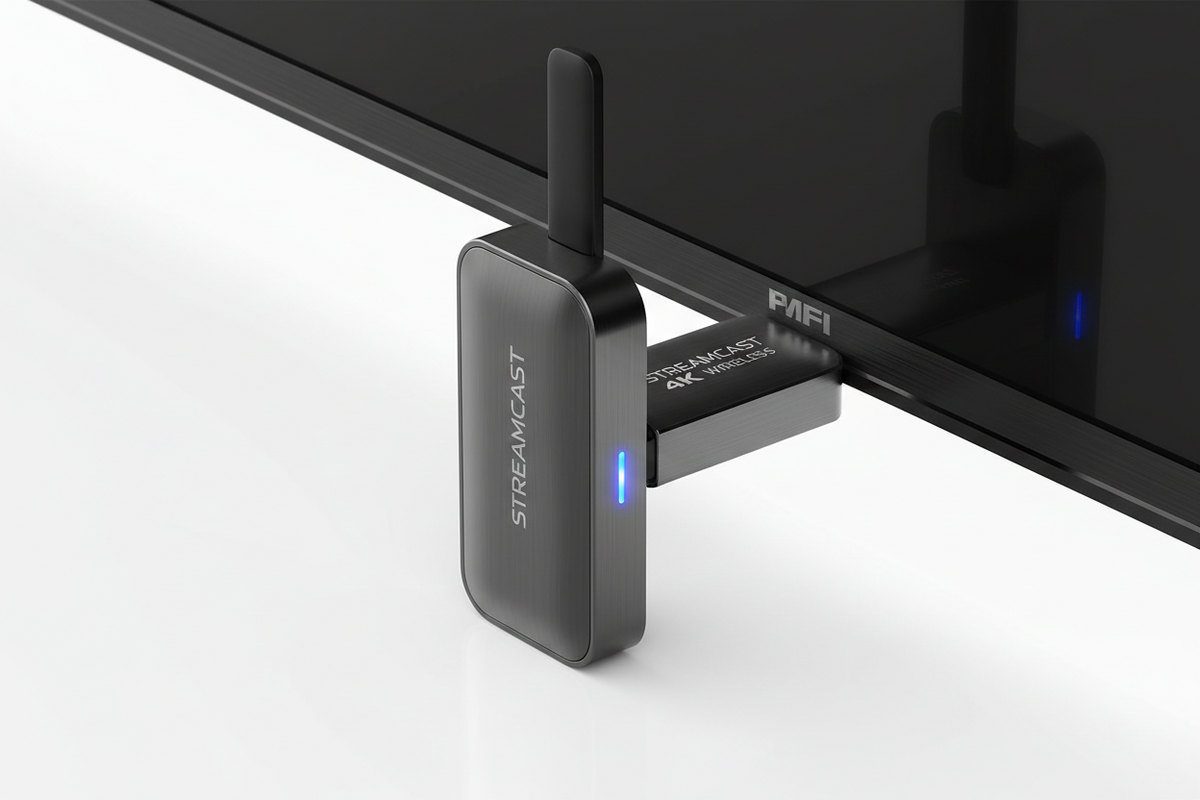
Want to mirror your phone or laptop screen to a TV or projector without wires? Meit Shop stocks HDMI WiFi dongles that support screen mirroring, DLNA, and Miracast. Here's a real, price-grounded guide.
What to Look for
- Resolution support: Look for 1080p or 4K support depending on your TV's native resolution.
- Protocol compatibility: Miracast works best with Android/Windows; AirPlay-style casting suits iPhone; check the dongle supports your device's casting method.
- Dual-band WiFi (2.4G/5G): Dual-band dongles give a more stable connection with less lag, especially useful for video streaming or presentations.
All HDMI WiFi Dongles
- Anycast M9 Plus 2-Core 1080p HDMI WiFi TV Dongle — Rs. 1,248
- Chromecast 2 HDMI WiFi Dongle — Rs. 1,369
- MiraScreen G38 1080p Wireless Display Dongle (DLNA/Miracast) — Rs. 2,135
- MiraScreen G9 Plus 2.4G/5G 1080p/4K HDMI WiFi Dongle — Rs. 3,504
FAQs
Can I use these dongles to present from my phone in meetings?
Yes — plug the dongle into any HDMI-equipped TV or projector, connect your phone to its WiFi network, and mirror your screen instantly, no cables needed.
Do these work with iPhones?
Most support AirPlay-style mirroring for iPhone in addition to Android Miracast — check the specific product description for confirmed iOS support.
Browse the full range in our HDMI WiFi Dongle collection.
 Chat with Us
